Particles - X Pro Blender Addon



Introduction
Particles-X is an addon that simplifies the creation of particles in Blender with a few steps and a few tweaks you will have a good looking output in no time,
it was mainly built for the theme of Scifi Environments or Scenes
Get Started
Particles-X comes with 4 panels, the Particles-X Panel, the Particles-X Settings,
The Particles-X Presets and The info panel which i wont talk about, all those panels are handy in their own way, with options of creating between static and dynamic particles, or particles that emit from the face or Volume or from the the vertices
Particles-X Presets
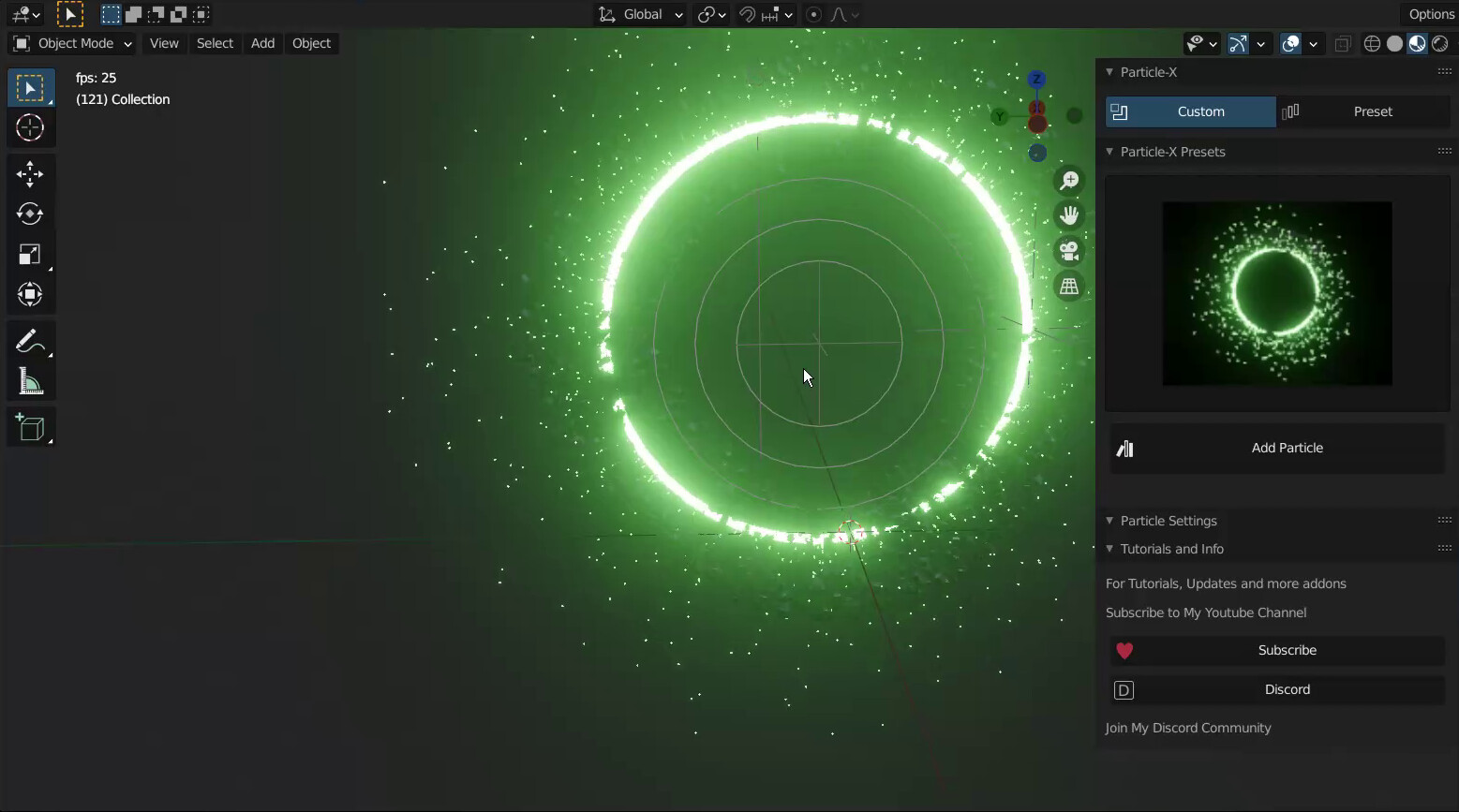
this comes with more than 15 cool amazing Particles-X presets, like fireworks, Black Hole, Thrust and so many others that you can add and tweak to your own liking and desire, By this Now to get free Updates for the Coming Versions,
Particles-X comes with Objects that you can assign as particles automatically, you do not need to do the same thing again and again, this addon simplifies everything that has to do with blender particles,
these objects include
Mirror object: this is an icosphere that has a mirror material which reflects light, so this is good if you add a light source to it and it will create light from that light source giving you a sparkling simulation
Glow Object: this is a glowing sphere, makes your particles Glow giving you a splendid appearance
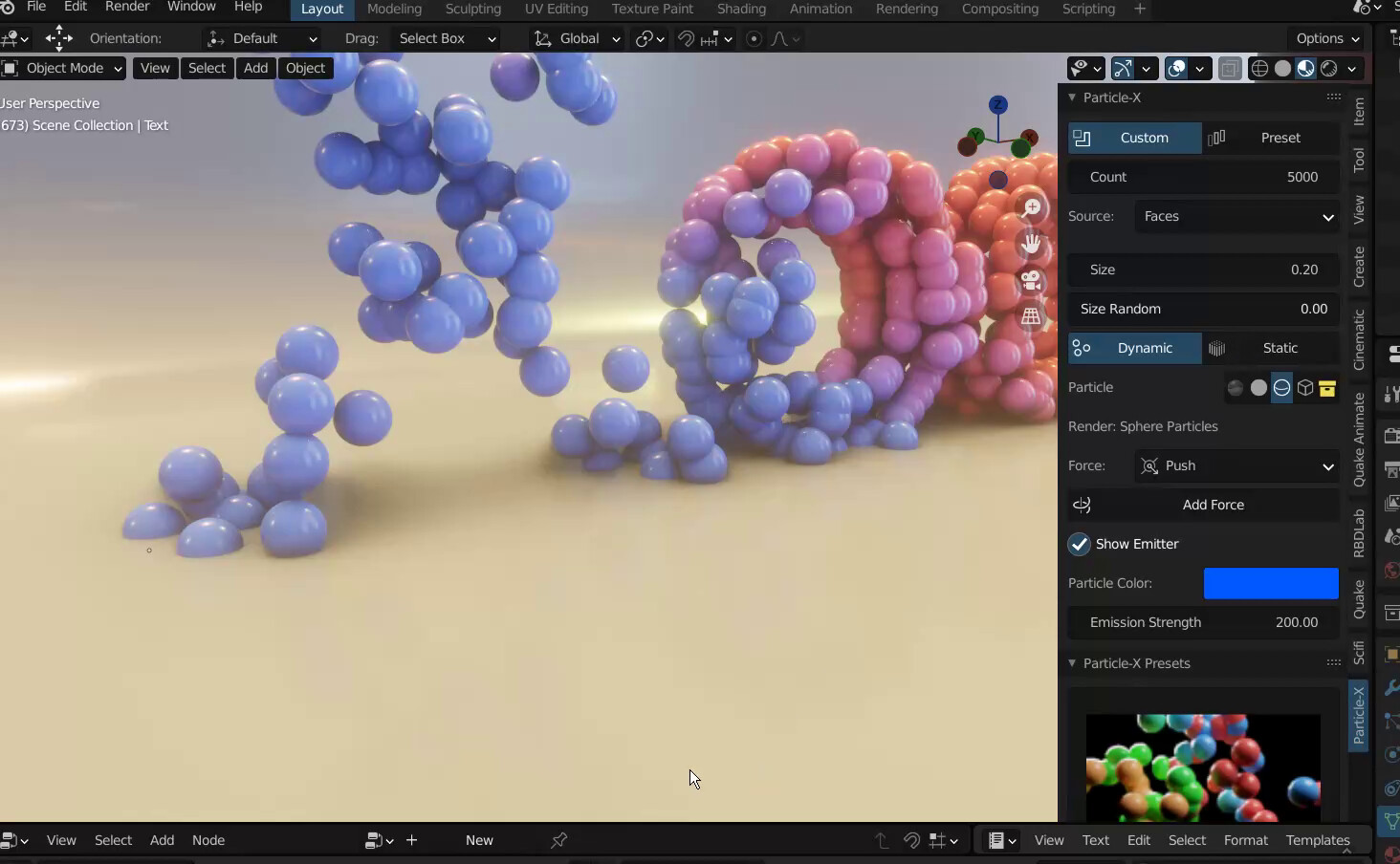
Sphere Object: this turns the particles into spheres that are coloured. with proper lighting and environment, you can make them look good
Custom Object: this your own particle Object and Custom Collection is for your own particle collection objects
Particles-X Settings
this panel has almost the same properties of the particle-x panel but it adds on with more properties like gravity, velocity, source, type and more that you need,
Particles-X brings out only the most used settings, not every blender's particle system property is on it, they are few and most used like count, size, randomize, etc
Features
- • 40 Plus particle presets and more in updates
- • 5 plus Particle Effects and more in updates
- • Cool particle Objects, Glowing, Mirror etc
- • Force Fields
- • Most Blender System Particle Settings
- • Amazing Functions
- • Easy Creation of particles
- • Easily Tweakable
- • Easy Animate
- • Convert to Keyframe and bake them for other softwares
Your First Cool Particle
to create your first particle, select a cube, goto custom, and click make particles, when done click play,
reduce size using the particle size, increase number using the count and change colour using the property colour blue you see on the panel
set the source from face to Verts and set the velocity property to 0
and thats it you have a good looking particle flow
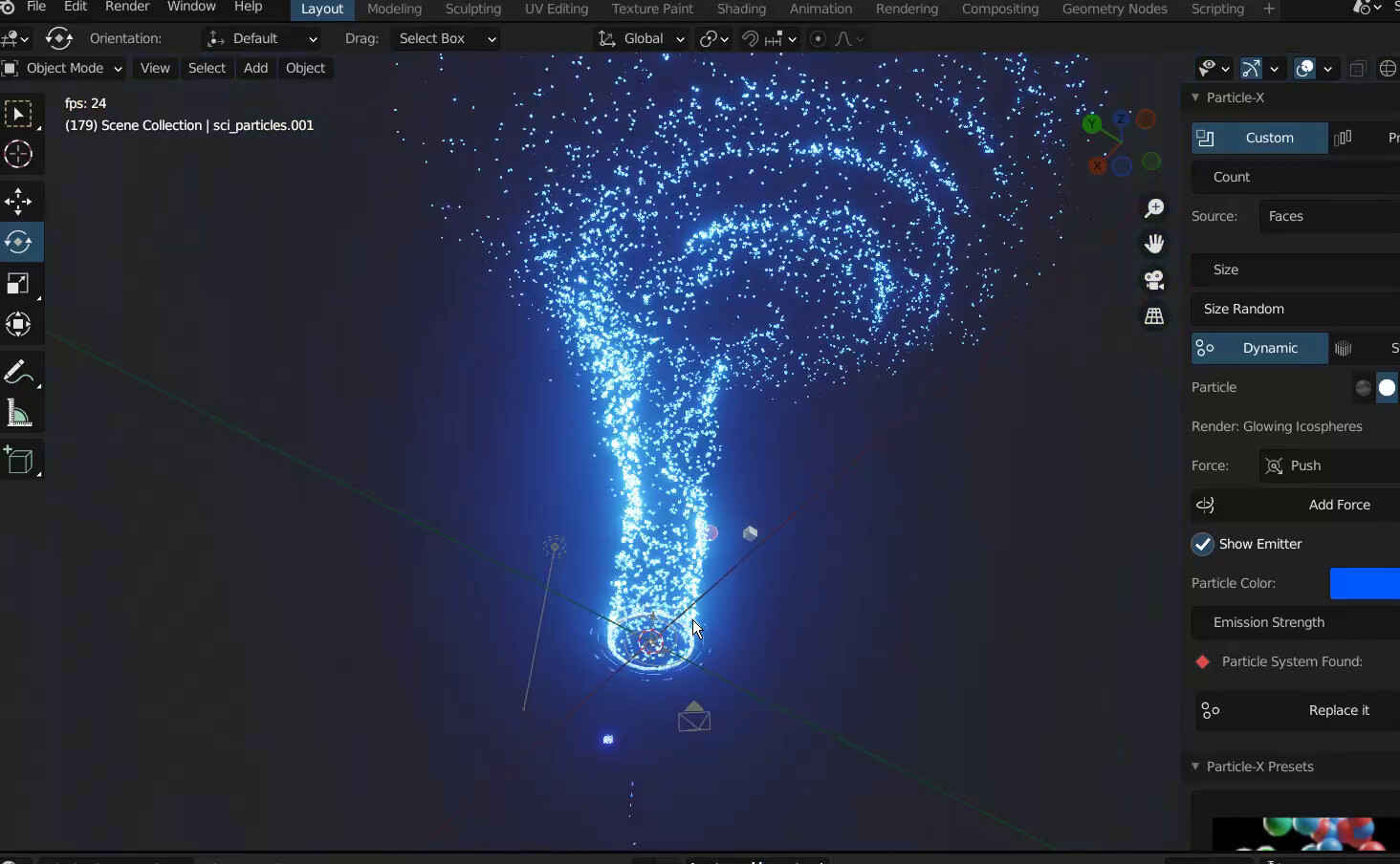
to add more juice to it, add a Particles-X Force, choose between Turbulence, Twist or Push
pick the Twist and you, scale it by pressing S and you will see the particles rotating which will create an amazing effect